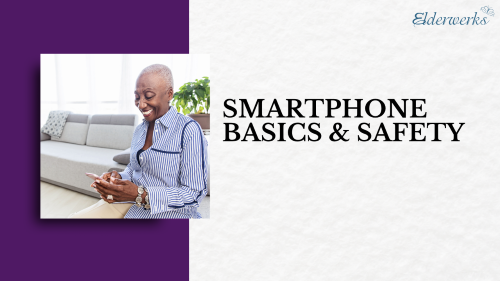
Lori Lewis and Natalie DiCosola from Devoted Health share an introductory session designed to help individuals confidently use their smartphones. It covers everyday essentials like calls, texting, Wi-Fi, and apps, along with helpful setup tips, adjusting settings, and keeping devices updated. The presentation also includes guidance on staying safe, recognizing scams, protecting personal information, and using security features on both Apple and Android devices.
WATCH VIDEO
Smartphone Safety
Smartphones are online devices. They connect to WiFi and data networks that allow you to browse online from your phone. There are plenty of perks to accessing the internet from your phone, but having the internet in the palm of your hand also opens you up to potential scams.
- Never provide personal information to someone over the phone, whether through a phone call, text, or email.
- Add a passcode to your device to keep personal data safe
- Avoid using public WiFi networks, especially those without a password
- Only share your location with trusted family and friends
- Keep your smartphone software updated
Helpful Resources
Whether you’re new to smartphones or want additional resources on staying safe online, these articles and guides can help you become more comfortable with your device.
How Elderwerks Can Help
Elderwerks is a not-for-profit 501c3 organization that provides seniors and families with information, referrals, and guidance for senior living, home care, and support services. Call us at 855-462-0100 to connect with one of our senior care advisors.
Interested in watching an educational event live? Check out our full calendar of upcoming events or sign up for our newsletter.